TAKEMEDS WON'T LET YOU SKIP MEDS
From a gentle nudge to a full-screen block until you've taken your dose.

A DASHBOARD IN YOUR HANDS
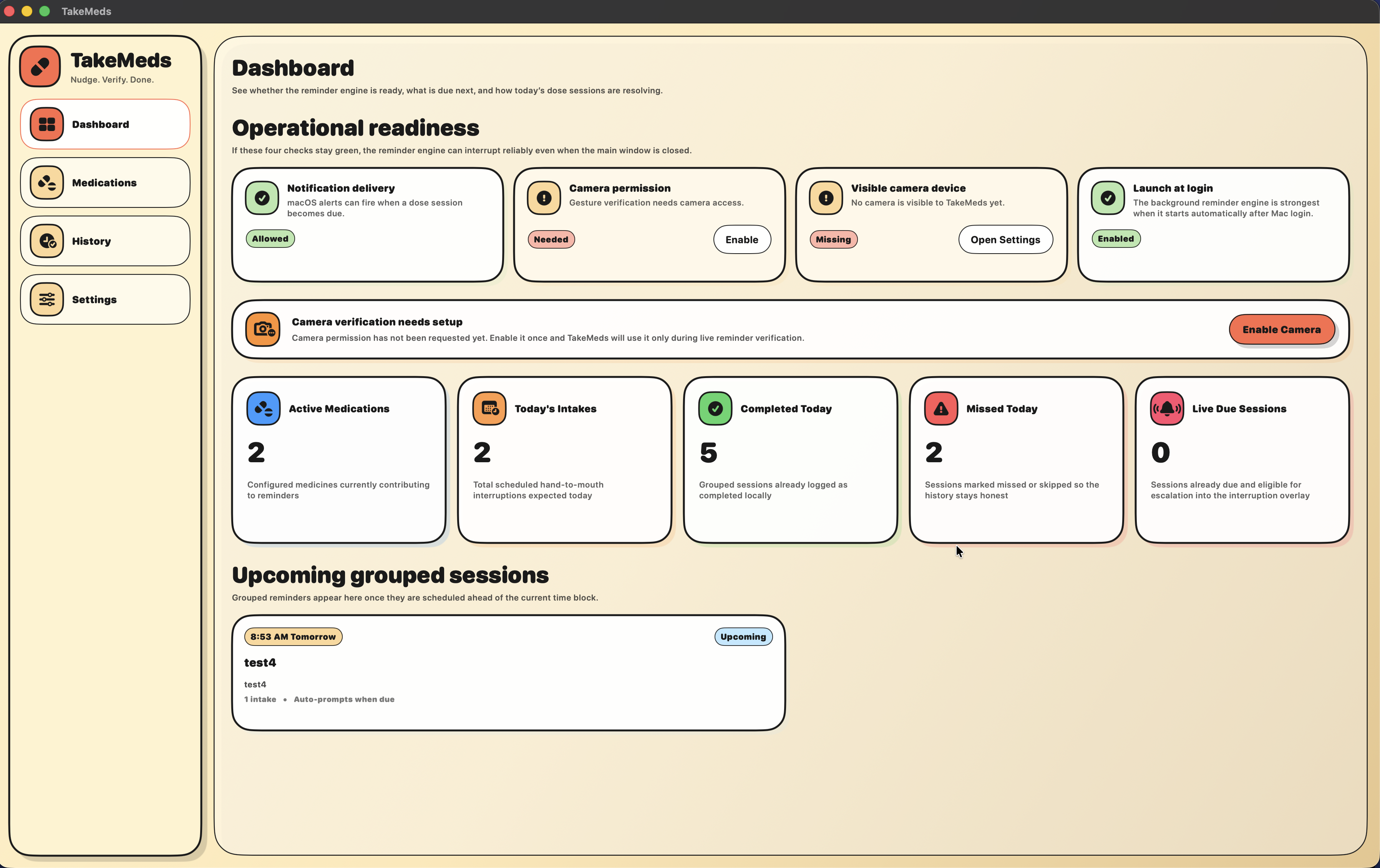
REMINDERS THAT MEAN BUSINESS
Most reminders are one tap away from being silenced. TakeMeds' isn't
- ✓System notification first
- ✓Escalates to a persistent reminder window
- ✓Full-screen block as the last resort
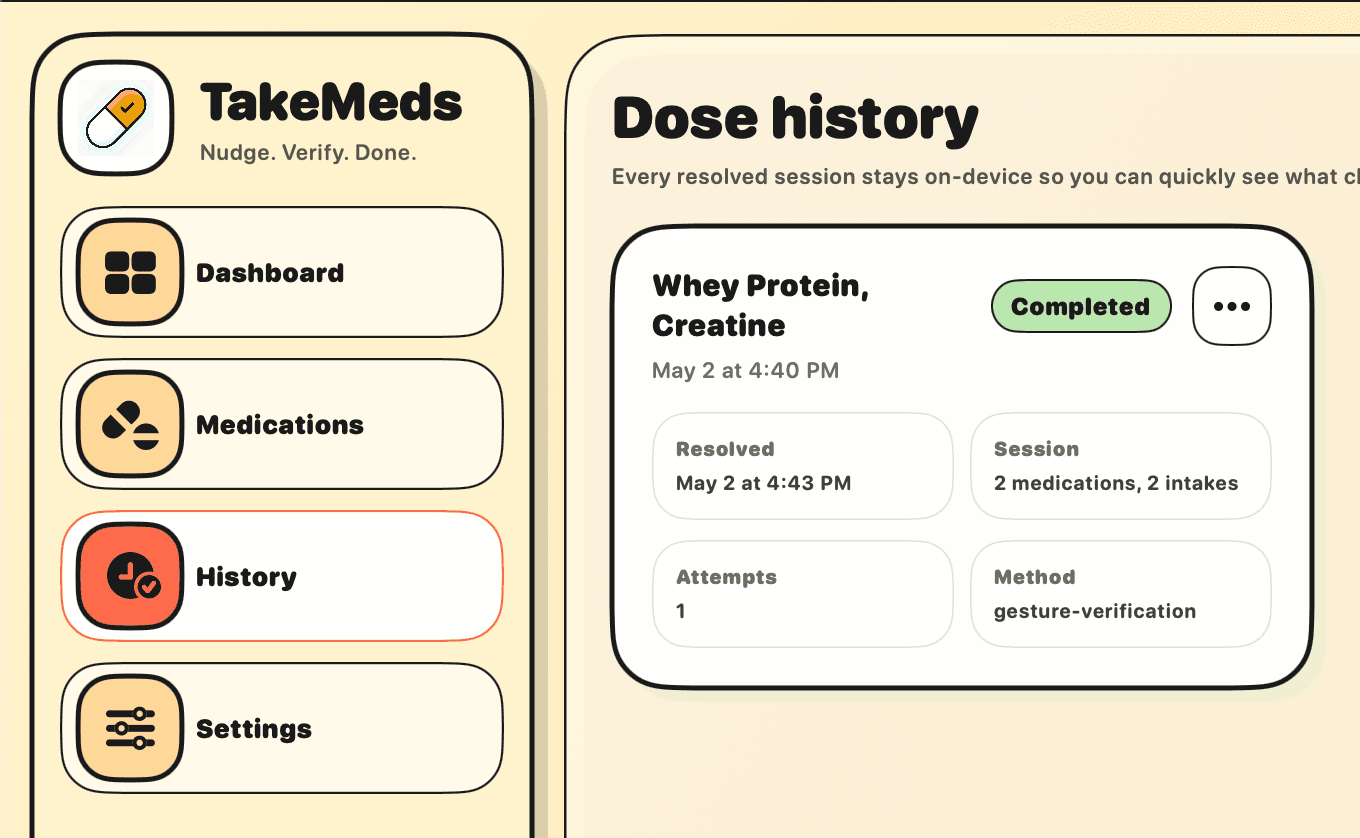
PROVE IT. THEN CONTINUE.
No more "I definitely took it" guesswork.
- ✓Gesture-based, not photo
- ✓Runs entirely on your Mac
- ✓Multiple items? One session handles all
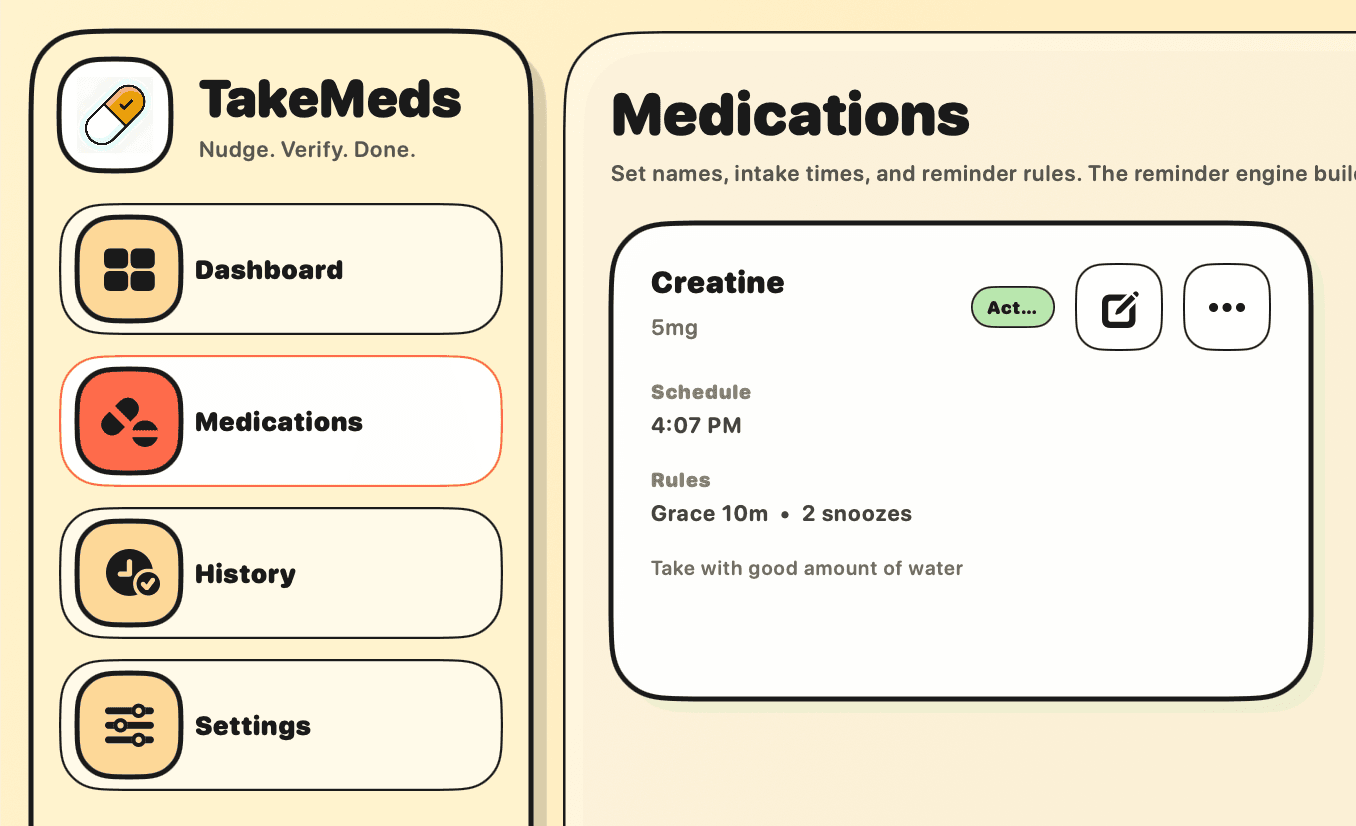
ALL YOUR ITEMS - ONE SESSION.
TakeMeds groups multiple medicines, supplements, or repeat intake items due around the same time into a single session.
- ✓Smart time-based grouping
- ✓Each item shown individually
- ✓One verification clears the whole session
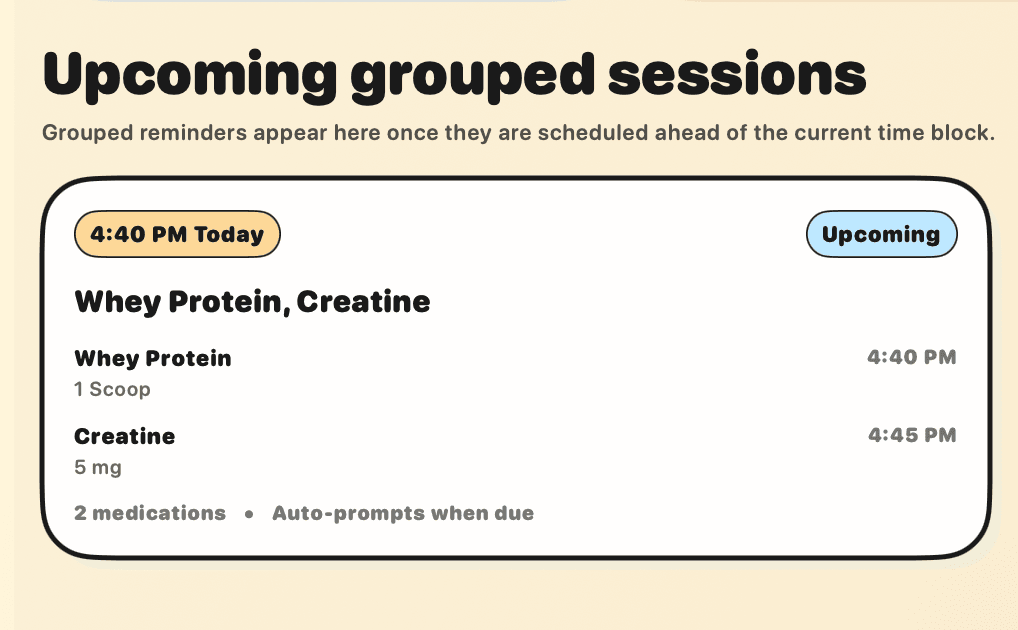
YOUR COMPLETE TRACK RECORD
Every completed, snoozed, and missed session is logged locally so you know how you're really doing over time.
- ✓Completed & missed sessions logged
- ✓Snooze and skip history included
- ✓All data stored locally on your Mac
YOUR CAM STAYS YOURS
It uses camera locally. No internet needed.
100%
Offline
0
Images stored
Local
Processing
3 SIMPLE STEPS
Schedule Your Routine
Add medicines, supplements, or any repeat daily intake, then set times, grace windows, and snooze rules.
Reminders That Escalate
The notification comes. Ignore it, a window appears. Keep ignoring it and a full block takes over.
Verify & Get Back to Work
A quick camera session detects the hand-to-mouth motion. Intake done, screen unblocked.
BETTER BE REGULAR OR KEEP STRUGGLING
Money is once, regularity is lifetime
- ✓Single payment, no subscription
- ✓Activation key included with purchase
- ✓Private purchase recovery area
- ✓Lifetime in-app updates after install
- ✓Camera-verified sessions and local history
- ✓Native macOS app with future updates included
AFTER PURCHASING IT
Step 01
Checkout
Complete the one-time purchase through the secure checkout.
Step 02
Receive your license
Your purchase is tied to the checkout email and an activation key is issued for the app.
Step 03
Check your email
Open the email access link to reach your purchase area.
Step 04
Download the App
Download the latest Mac installer there
Step 05
Install and stay current
Activate the app once and use it while updates keep arriving over time.